A searchable plugin directory isn't a security workflow. A plugin name alone doesn't tell you whether an advisory is credible, whether a CVE exists, which versions are affected, which version fixes the problem, whether exploitation requires authentication, or what deserves attention first across a portfolio. A useful WordPress plugin vulnerability list must connect evidence to an operational decision.
That distinction matters because WordPress exposure is concentrated in the plugin layer. In 2025, 91% of newly reported WordPress ecosystem vulnerabilities were found in plugins, while only six were reported in WordPress core, according to WPScan's vulnerability statistics. The same dataset recorded 11,334 new vulnerabilities, up from 7,966 in 2024, so operators need fast triage rather than another bookmark.
This roundup evaluates each source for advisory detail, CVE handling, affected and fixed versions, exploit signals, automation, freshness, integration limits, and remediation value. A database supports validation, but it doesn't replace inventory accuracy, testing, ownership, or patch execution.
Methodology: Coverage, advisory depth, affected and fixed-version detail, exploitability signals, API or webhook access, freshness indicators, operational limits, and suitability for cross-checking were weighed separately. Single-site lookup, automated portfolio monitoring, and decision-oriented triage are different jobs.
WP Triage is the portfolio-oriented option. It matches detected component risks to vulnerability intelligence, turns signals into a transparent 0–100 score, and produces a ranked top-three fix sequence. It prioritizes work, however, rather than applying patches.
Table of Contents
- 1. WP Triage
- 2. Wordfence Intelligence
- 3. Patchstack Open Source Vulnerability Database
- 4. WPScan WordPress Vulnerability Database
- 5. WPVulnerability
- 6. WordSec
- 7. VulnTitan
- 7-Item Comparison: WordPress Vulnerability Databases
- Build a Verification-and-Fix Loop, Not Just a Bookmark List
1. WP Triage
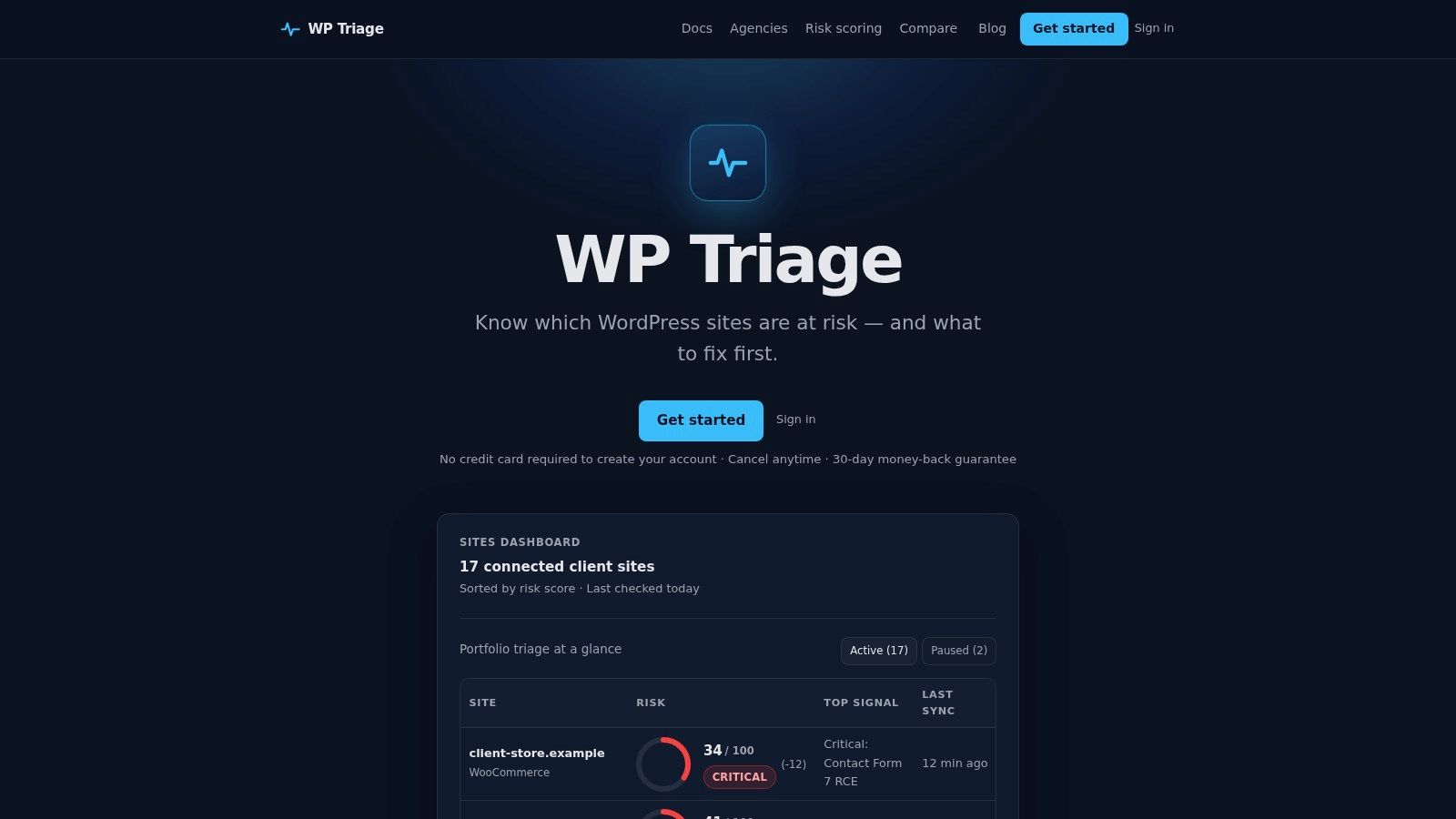
Most vulnerability databases answer, “Which records match this plugin?” WP Triage answers the harder operational question, “Which site and which issue should this team address first?” That makes it especially relevant to agencies, freelancers, WooCommerce operators, and internal teams maintaining multiple WordPress installations.
The service captures daily snapshots of WordPress core, plugins, themes, and PHP versions across connected sites. It matches installed components against known CVEs with severity and exploitability signals, then presents each site through risk bands such as Safe, At Risk, and Critical. The resulting score isn't intended to replace the underlying advisory. It gives teams a repeatable way to compare risk across sites when several installations have different combinations of outdated software and known issues.
The most useful output is the ranked issue inventory. Each site shows the top three issues and a recommended fix sequence, so an operator can move from detection to an actionable queue without manually comparing every plugin record.
Why its scoring model matters
WP Triage publishes a transparent methodology that weights exploitability, software age, CVE data, and severity. That matters because a raw vulnerability count can mislead. A site with several low-priority records may deserve less immediate attention than a site with one highly exploitable plugin affecting a revenue-critical store.
The portfolio dashboard and heatmap also help teams identify concentration. Targeted alerts for critical vulnerabilities and sudden score drops, together with weekly summaries, are designed to reduce the noise produced by undifferentiated notifications.
Practical rule: Use WP Triage to decide the order of work, then use your existing maintenance, deployment, testing, and recovery tools to perform the fix.
Onboarding uses the WP Triage Agent plugin and a single agent key, which keeps registration practical across multiple domains. The product is deliberately scoped as a triage engine, not a firewall, backup system, malware remover, or full patch-management platform. That boundary is a strength when teams want prioritization without pretending that detection and remediation are the same control.
WP Triage uses site-based pricing. Starter costs $9 per month for 1–5 sites, Pro costs $29 per month for 6–25 sites, and Agency costs $49 per month for 26–50 sites. New paid subscriptions include a 30-day money-back guarantee, and accounts can be created without a credit card. The Agency plan's 50-site ceiling may limit larger enterprises or agencies with broader portfolios.
For a deeper explanation of how the score supports decision-making, see WP Triage's WordPress risk scoring methodology. It's the strongest fit here when the problem isn't finding another advisory, but turning vulnerability signals into a ranked portfolio queue.
2. Wordfence Intelligence
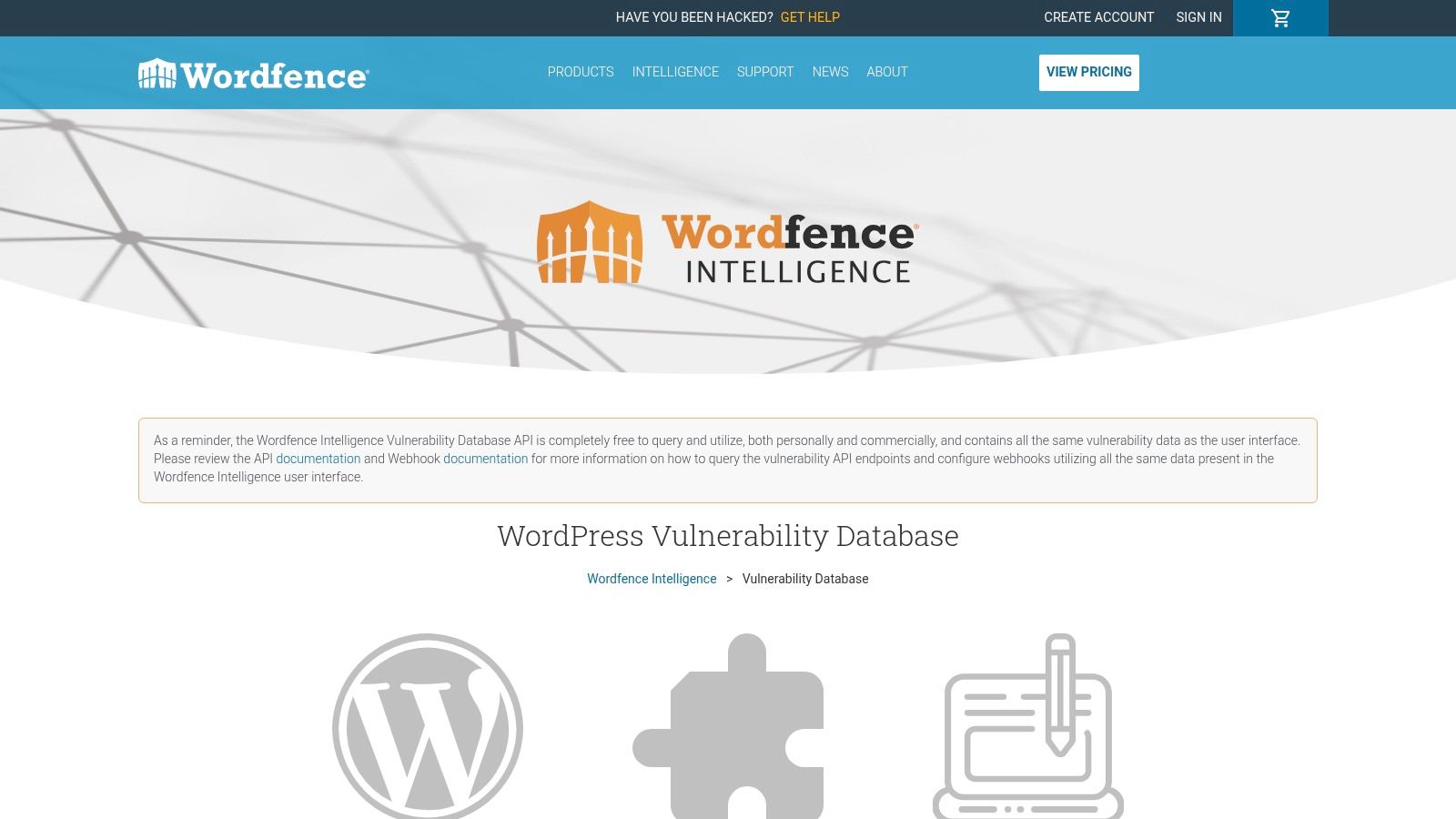
Wordfence Intelligence's vulnerability database is a strong choice when the primary requirement is a searchable, actively maintained intelligence feed. It covers WordPress plugins, themes, and core through a public interface with search and filtering, making it suitable for analysts investigating a single component or reviewing newly disclosed issues.
Its operational value increases when a team needs to move beyond manual browsing. Wordfence provides a free API for personal and commercial use, along with a free webhook integration for real-time updates. That makes the database useful as an input to internal dashboards, inventory checks, notification systems, or a broader triage pipeline. Weekly vulnerability reports add an analyst-friendly summary layer by grouping new disclosures, severity, volume, and notable issues.
Best fit for automation
Wordfence Intelligence is particularly practical for teams that already maintain their own systems. An agency could ingest new records, match them against an internal plugin inventory, and send findings into an existing ticket queue. A security analyst could use the public interface to investigate a plugin, then use the API or webhook for recurring monitoring.
The database shouldn't be treated as a complete remediation workflow by itself. Operators still need to confirm the installed version, interpret the affected range, check whether a fixed release is available, and decide whether the affected site has enough business importance to change the order of work.
The free access model is attractive, but it doesn't establish an enterprise service-level agreement. Production users should monitor ingestion health, failed requests, webhook delivery, and changes in record format. A feed can be broad and useful while still requiring internal controls around availability and data handling.
A free feed can reduce licensing friction, but it doesn't remove the need to verify that your own monitoring pipeline is receiving and processing updates.
Wordfence is a good primary source for teams that want broad WordPress coverage and direct automation without immediately buying a commercial intelligence platform. It's less complete as a portfolio decision layer because the operator must build the ranking logic, site comparison, ownership workflow, and remediation sequencing around the records.
For a side-by-side view of its role relative to a portfolio triage engine, see the Wordfence comparison from WP Triage.
3. Patchstack Open Source Vulnerability Database
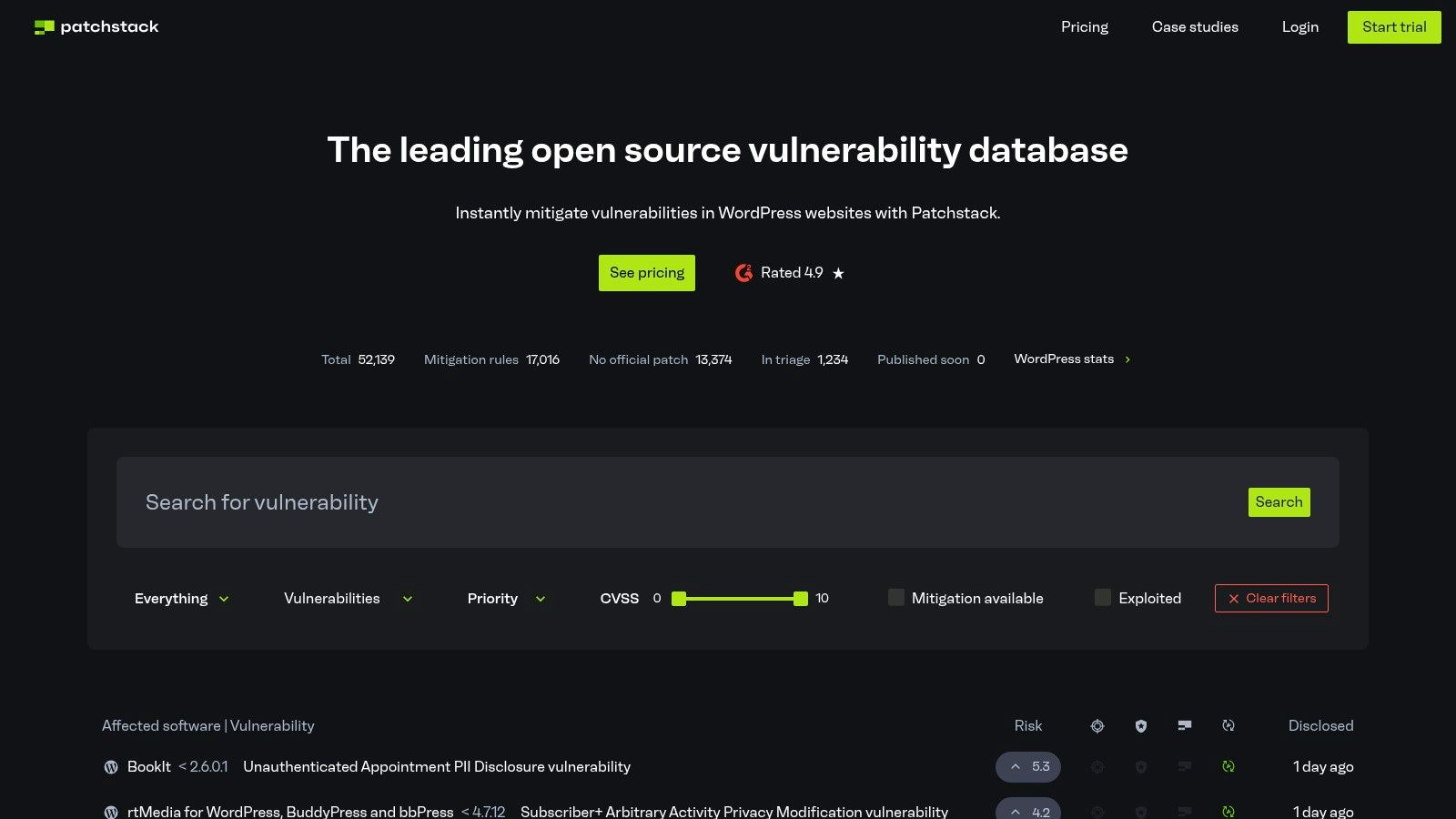
Patchstack's vulnerability database is built around detailed WordPress-focused advisories rather than a bare list of affected component names. That makes it useful when an analyst needs context for a finding, including affected versions, remediation guidance, disclosure detail, and the relationship between a vulnerability record and the software component.
Patchstack's researcher program and disclosure workflow add an important operational dimension. The database is connected to an established process for receiving and publishing security findings, which can help teams understand how an advisory entered the ecosystem and what remediation information accompanies it.
Where structured advisory detail helps
Patchstack also acts as a CVE Numbering Authority, or CNA. In practical terms, that supports a more direct path from vulnerability disclosure to CVE publication, although teams shouldn't assume every WordPress issue will have identical metadata or identical timing across all public databases. Operators should retain the advisory URL alongside the CVE identifier where one exists.
The database is especially valuable during validation. Suppose an automated inventory flags a plugin version. A detailed Patchstack advisory can help the reviewer establish whether that exact version falls inside the affected range, identify a safe version, and record the recommended action. This is more defensible than marking an item “vulnerable” solely because the plugin name appears in a search result.
Patchstack also offers API endpoints for matching a component and version against known vulnerabilities. That is the kind of capability a monitoring team can use to enrich an inventory scanner or connect findings to a ticketing system.
Advanced API and enterprise functionality may require a paid plan. Teams should confirm the commercial terms, throughput, support expectations, and production integration options before designing a large-scale workflow around it.
Patchstack is a strong candidate for a primary advisory source when WordPress-specific detail and remediation context matter more than a simple public lookup. It can also serve as a validation source for another feed, particularly when the first record lacks clear affected-version or fix guidance. It doesn't, by itself, rank risk across an entire collection of sites, so portfolio operators still need a separate prioritization layer.
4. WPScan WordPress Vulnerability Database
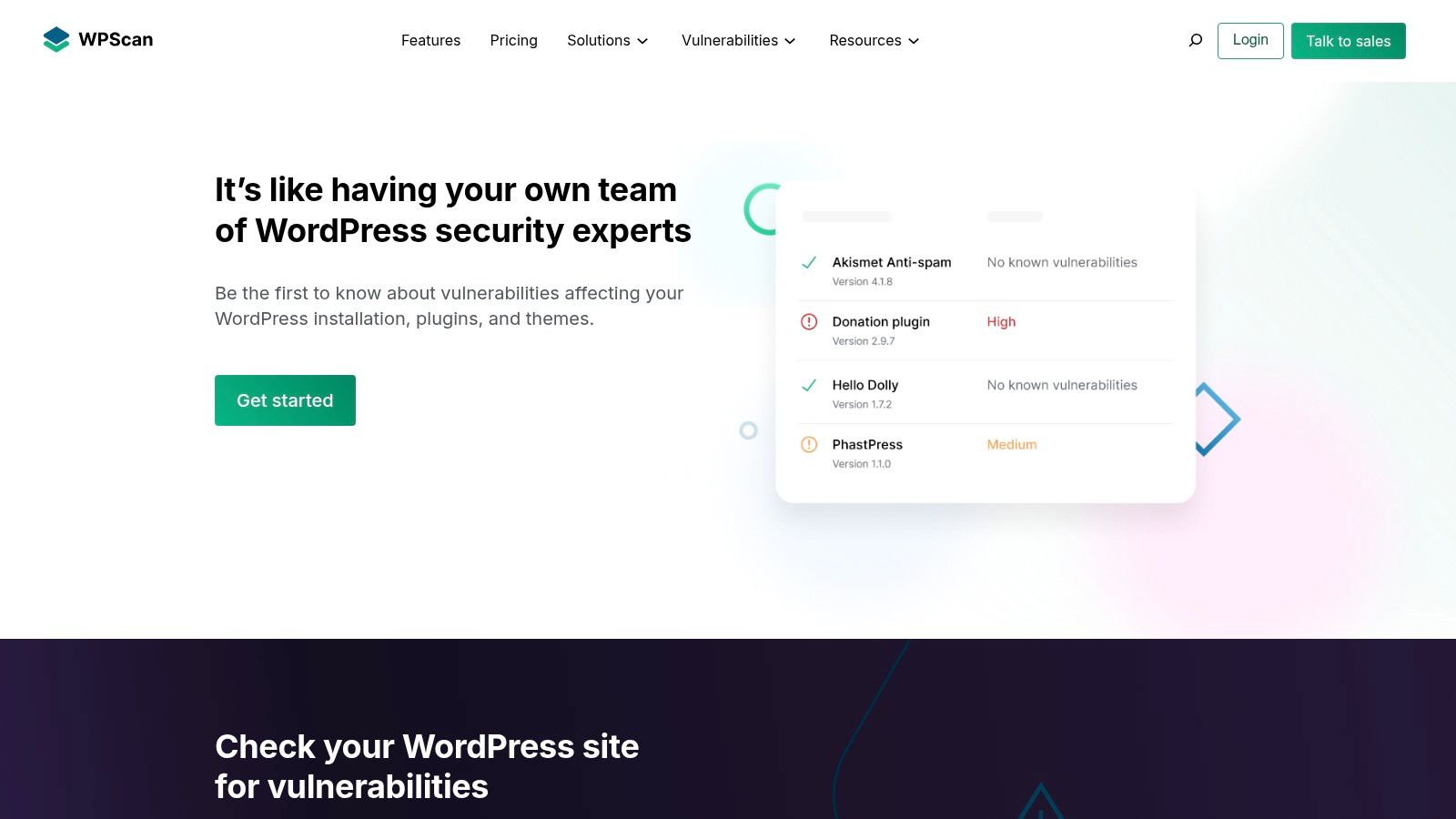
WPScan is a mature choice for teams that want vulnerability intelligence connected to an established WordPress security toolchain. Its database covers core, plugins, and themes, and its API supports component lookups, batch queries, and latest-vulnerability endpoints. The same data is also used by the WPScan CLI and integrated into third-party security workflows.
That ecosystem familiarity matters. Security teams often already understand WPScan output, know how to authenticate its API, or have existing processes that consume its records. This reduces the translation work between vulnerability discovery and operational review.
A practical API option
WPScan's API is suited to programmatic workflows that need to match installed component versions against vulnerability records. A team can use it to enrich scan results, power a custom dashboard, or identify new records for a scheduled review. Daily updates provide a clear freshness signal for recurring monitoring, although teams should still record when their own feed was last successfully ingested.
The main constraint is plan capacity. The free plan has a daily request cap, while some endpoints are reserved for enterprise plans. That creates a practical distinction between occasional lookups and continuous, portfolio-scale querying. A small operator may find the available allowance sufficient for manual or limited automation, while a larger agency must model request volume before committing to an architecture.
Choose the feed limit before you choose the integration. A database can be technically suitable and still fail operationally if batch scans exceed the permitted request volume.
WPScan is strongest when a team wants a recognized source with clear programmatic access and broad ecosystem adoption. It isn't a complete prioritization system. The API can tell you that installed software matches a record, but your workflow still needs to consider exploitability, business impact, ownership, testing status, and whether a fix has been deployed.
For teams comparing a data feed with a decision engine, WP Triage's WPScan comparison offers a useful way to separate vulnerability lookup from portfolio prioritization.
5. WPVulnerability
WPVulnerability is a free, open WordPress vulnerability database and API designed for low-friction access. Its JSON-based API doesn't require an API key, and it provides endpoints for per-component and bulk queries. That makes it practical for a developer who wants to prototype version matching without first arranging credentials or a commercial account.
The companion WordPress.org plugin brings results into the WordPress administration area. For a site owner or freelancer, that can shorten the path between viewing installed software and seeing related vulnerability information. For a technical team, the API offers a straightforward secondary feed to compare with a primary commercial or community source.
Useful as a cross-check
The most defensible use of WPVulnerability may be cross-validation, not blind substitution. If two sources identify the same component and affected range, confidence in the finding increases. If they disagree, the discrepancy becomes a review task. The operator can inspect the underlying advisory, compare publication and update dates, and decide which record has stronger version and remediation detail.
The project also takes a privacy-forward approach by not collecting site or identity data from API consumers. That can simplify evaluation for teams that want to query vulnerability data without transmitting an inventory of their own sites.
The trade-off is support and assurance. There's no commercial service-level agreement described in the supplied product information, and freshness and coverage depend on upstream sources and community-backed maintenance. Teams using it in production should monitor response availability, record ingestion timestamps, and retain the advisory reference used for each remediation decision.
WPVulnerability suits zero-cost integration, internal experiments, and independent confirmation. It's less suitable as the sole control for a large portfolio that requires guaranteed support, formal service commitments, or built-in ranking across sites. It supplies valuable signals, but the team must supply the surrounding governance.
6. WordSec
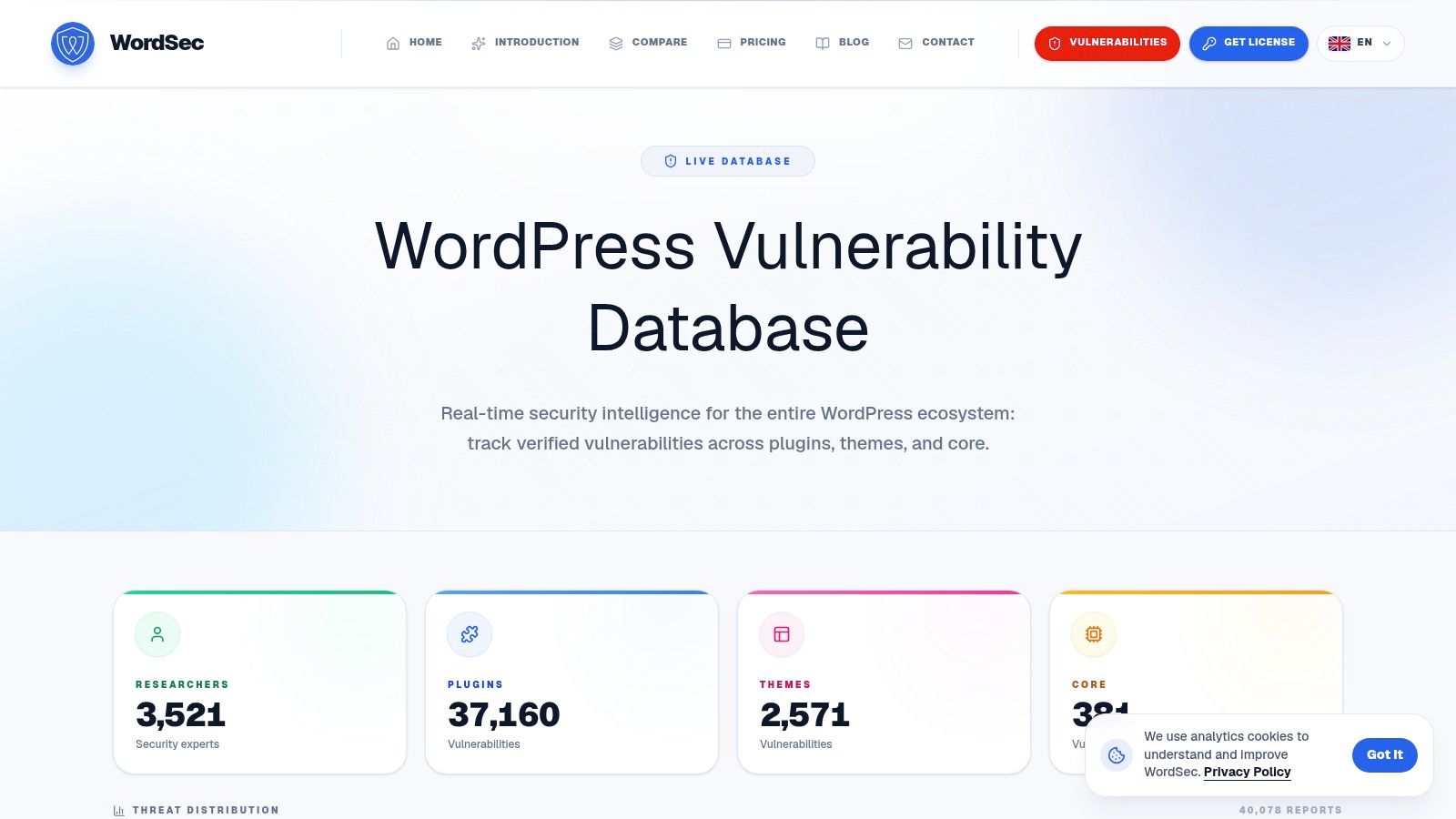
WordSec's WordPress vulnerability list is a public, focused reference for plugins, themes, and WordPress core. Its interface supports searches by plugin, CVE, or researcher, and entries expose details such as timestamps, severity, CVE identifiers, and discovery credits.
That makes WordSec useful during analyst review. An operator investigating a plugin-specific concern can compare how an issue is described, identify the associated researcher, and inspect the timing of the record. The service provides another lens through which to examine a finding instead of relying on one database's wording or categorization.
A secondary reference, not an automation foundation
WordSec's practical limitation is its integration surface. The supplied information doesn't identify a documented public API, webhook, or service-level agreement. Without clear programmatic access, it's better suited to manual research, confirmation, and occasional review than to a system that must ingest records automatically across a large site portfolio.
That limitation doesn't make it irrelevant. Public databases can expose differences in severity descriptions, affected-version language, and attribution. Those differences help a reviewer identify records that require deeper validation before a team labels a site exposed or assigns an urgent fix.
A WordSec lookup should still be tied to the exact installed version. Searching by plugin name alone can produce an incomplete or misleading result because the same component may have multiple advisories covering different release ranges. Record the advisory page, CVE where available, affected range, fixed release, and the action taken.
Use WordSec when a human analyst needs another public reference. Don't make it the only automated detection channel unless you independently confirm an integration path and its reliability.
WordSec is therefore a useful cross-checking source for investigations and triage meetings. It adds review depth, but it doesn't replace a feed with documented automation or a portfolio tool that orders fixes by site risk.
7. VulnTitan
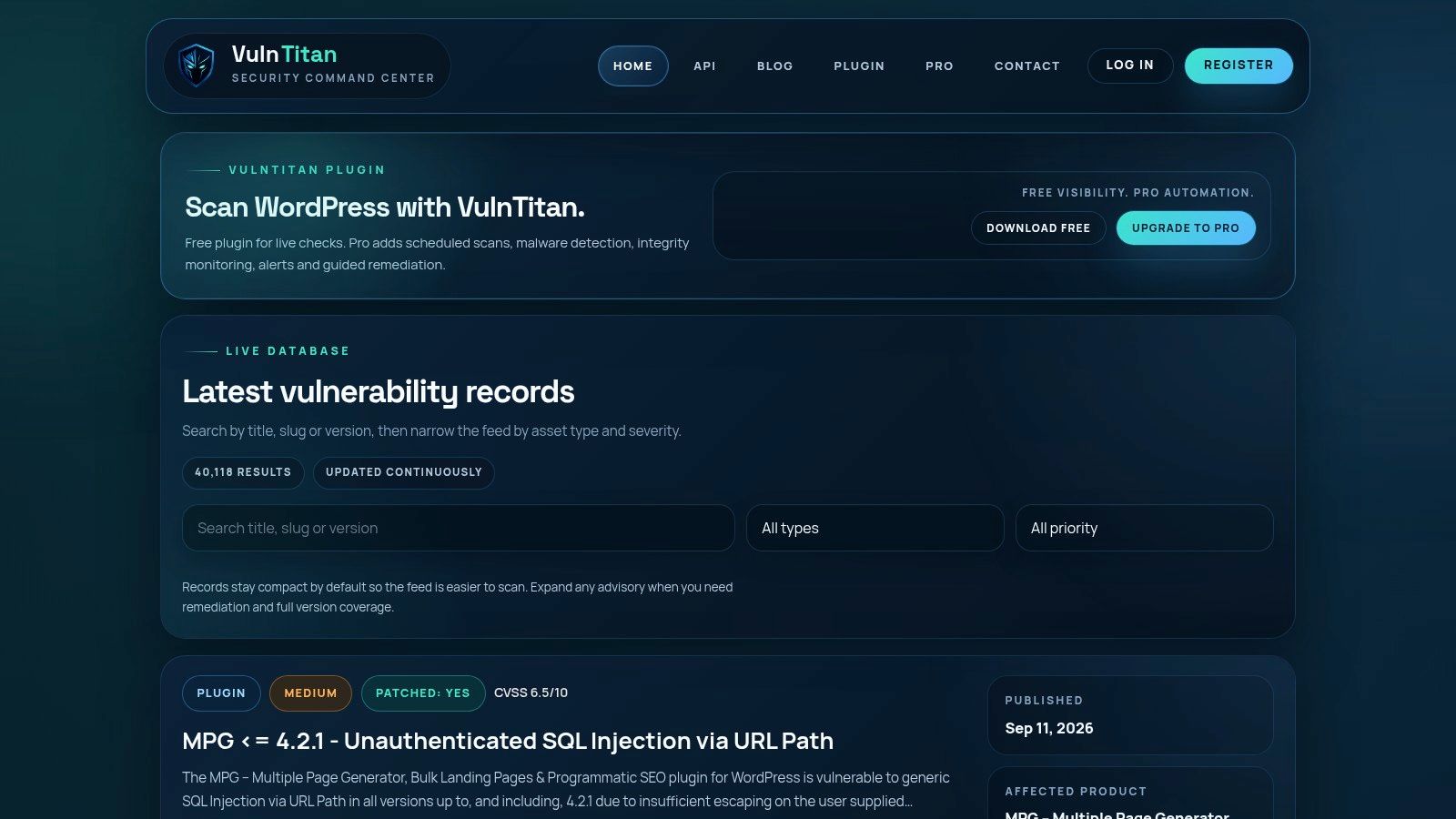
VulnTitan's WordPress vulnerability database emphasizes the information an operator needs after confirming that a plugin is affected. Its per-advisory pages include affected version windows, fixed versions, and recommended actions. Coverage hubs consolidate indexed records for a specific plugin or theme, which can make recurring review easier when the same components appear across many sites.
That presentation solves a common weakness in vulnerability lists. A record that only says “vulnerable plugin” creates another research task. A record that identifies the affected range and safe release gives the maintainer a clear starting point for a controlled update.
Strong remediation context, limited automation detail
The coverage hubs are useful for portfolio review even without a formal portfolio dashboard. An agency could share one reference page internally for a commonly deployed plugin, while a maintenance lead could use the advisory pages to prepare an update ticket with the relevant version and action.
VulnTitan's apparent strength is therefore remediation context rather than automation. The supplied product information doesn't identify a public API or pricing page, so teams shouldn't assume that the database can be connected directly to an inventory pipeline. Confirm programmatic access, authentication, rate limits, support, and commercial terms before treating it as an enterprise integration source.
The database is also best used with an independent installed-version inventory. A hub can show that a plugin has several historical issues, but it can't establish which record applies to a particular site until the operator knows the exact installed version and confirms whether the site has already received the fix.
VulnTitan fits a UI-first investigation and remediation workflow. It can help an analyst move from finding to patch instruction, and it can supplement a primary feed when affected and fixed versions need clearer presentation. It isn't the obvious choice for teams that need webhooks, bulk ingestion, or built-in cross-site prioritization.
7-Item Comparison: WordPress Vulnerability Databases
| Product | Implementation complexity 🔄 | Resource requirements ⚡ | Expected outcomes 📊 | Ideal use cases 💡 | Key advantages ⭐ |
|---|---|---|---|---|---|
| WP Triage | Low, install agent plugin + key | Site-based paid plans (Starter/Pro/Agency) | Portfolio 0–100 risk scores, ranked fixes, weekly summaries | Agencies, freelancers, WooCommerce & internal web teams managing multiple sites | Portfolio prioritization, transparent scoring, low-noise alerts |
| Wordfence Intelligence | Medium, integrate API/webhooks or use UI | Free API/webhooks; consume into internal tooling | Timely vulnerability feed and weekly rollups | Teams needing a dependable, automated vuln feed | Cost-effective free API, broad and frequent updates |
| Patchstack Open Source DB | Medium, API integration; disclosure workflows | API, researcher program, commercial tiers for advanced features | Structured advisories, CNA-backed CVE publication | Teams needing detailed advisories and CVE speed/quality | Detailed per-advisory write-ups; CNA capability |
| WPScan DB | Medium, API or WPScan CLI integration | Free/paid API tiers (rate limits on free) | Mature daily-updated vulnerability feed widely adopted | Users of WPScan CLI or tools relying on established feeds | Wide ecosystem adoption and clear API/docs |
| WPVulnerability | Low, open JSON API, no keys; optional plugin | Zero-cost API; WordPress.org plugin available | Quick prototyping and cross-validation data | Small teams or projects needing frictionless/secondary data | Free, no-key API and privacy-forward approach |
| WordSec | Low, public searchable UI | Public web listing; no documented API | Fast human-readable advisories for triage/verification | Analysts seeking quick secondary confirmation | Actively updated public list for quick consultation |
| VulnTitan | Low–Medium, UI-first; programmatic options unclear | UI coverage hubs and per-advisory pages; API not advertised | Detailed remediation notes and consolidated plugin hubs | Analysts executing fixes who need clear remediation steps | Clear fix guidance and hub pages that consolidate records |
Build a Verification-and-Fix Loop, Not Just a Bookmark List
The best source depends on the decision you need to make. For routine detection, choose a primary feed with coverage that matches your inventory and an API or webhook if your team monitors multiple sites automatically. Wordfence Intelligence, Patchstack, WPScan, and WPVulnerability can support different versions of that model, while WordSec and VulnTitan are more useful when a person needs to inspect or cross-check an advisory through a public interface.
Validation should be deliberate for high-impact findings. Confirm the advisory through an official or detailed record, then preserve the CVE, severity, exploit status, affected versions, fixed version, mitigation guidance, and reference URL. This evidence lets another operator understand why the issue was assigned a priority and whether the remediation decision was reasonable.
A vulnerability database also can't tell you which site deserves the first maintenance window unless it receives site context. The same plugin finding may carry different urgency depending on whether the site is public-facing, business-critical, actively maintained, or already protected by compensating controls. Operators should assign each confirmed finding to a specific site, owner, and remediation task rather than leaving it in a shared alert queue.
Use this implementation sequence:
- Inventory exact versions: Record installed plugin, theme, core, and PHP versions across every site.
- Match versions, not names: Compare the installed release against the advisory's affected range instead of treating every installation of the plugin as equally exposed.
- Verify patch guidance: Confirm the advisory, fixed release, exploit status, and any mitigation before scheduling the update.
- Test the change: Use the site's existing staging or deployment process to check compatibility and business-critical functions.
- Document exceptions: Record why a fix is delayed, what compensating control exists, and who owns the next review.
- Recheck after remediation: Capture a fresh inventory and confirm that the vulnerable version no longer matches the advisory.
For agencies and multi-site teams, WP Triage works best as the prioritization layer around those controls. Its daily snapshots, CVE matching, exploitability and severity signals, portfolio dashboard, risk bands, and ranked top-three issue list turn separate findings into a comparative queue. Existing deployment or maintenance tools still perform the updates, and the team remains responsible for testing and verification.
This separation is valuable because vulnerability volume is not the same as remediation priority. In 2025, 36% of reported WordPress ecosystem vulnerabilities were serious enough to require rapid mitigation rules, while 17% were high severity, according to WPScan's statistics. Those figures reinforce the need to rank findings by impact and exploitability rather than treating every record as an identical emergency.
A strong process can also support work on security fixes for aging backlogs. The best WordPress plugin vulnerability list isn't merely the largest database or the easiest page to search. It's the source connected to a repeatable loop of evidence, decision, remediation, ownership, and verification.
WP Triage monitors plugin, theme, core, and PHP versions across connected WordPress sites, then converts known vulnerability signals into a transparent 0–100 risk score and ranked fix sequence. If your team needs to turn a vulnerability list into a practical portfolio queue, visit WP Triage and see how its triage workflow fits alongside the tools you already use to apply and verify fixes.