An agency managing several WordPress sites rarely gets a quiet security queue. A critical plugin vulnerability appears while one client's store needs maintenance, another site has unexplained file changes, and routine updates compete with alerts that may not represent immediate exposure. The team has to decide what deserves attention first, which protection layer is missing, and whether the existing security plugin can support the response.
That's why the best WordPress security plugins aren't interchangeable. Some focus on an endpoint firewall and malware scanning. Others provide cloud protection, virtual patching, hardening, automated cleanup, or centralized administration. The right choice depends on the security job, the portfolio workflow, the licensing model, and the gaps your agency can cover elsewhere.
The comparison below evaluates each tool by its protection layer, scanning and remediation approach, portfolio suitability, pricing structure, and limitations. It also separates security execution from portfolio-level prioritization. WP Triage complements these plugins by comparing risk across sites and ranking the next fixes. It doesn't replace a firewall, scanner, backup system, or management platform.
Table of Contents
- 1. Wordfence Security
- 2. Sucuri Security
- 3. Patchstack
- 4. MalCare Security
- 5. All-In-One Security
- 6. Solid Security
- 7. Shield Security
- 8. WP Cerber Security
- 9. Defender Security
- 10. SecuPress
- Top 10 WordPress Security Plugins, Feature Comparison
- Match the Tool to the Triage Decision
1. Wordfence Security
Wordfence Security is the strongest fit when your primary security job is defending the WordPress site from inside the application. Its endpoint WAF examines requests on the site, while its malware scanner checks files and WordPress configuration for suspicious changes. Login security adds two-factor authentication, brute-force controls, and related protections.
The product's major operational advantage is the breadth of its tiers. A team can start with a free deployment, move to Premium for real-time threat intelligence, and use Wordfence Central to administer multiple installations. Country and IP blocking are available in the stronger protection tiers. Agencies that need direct response can consider managed Care or Response services, which add hands-on support and defined service commitments.
Wordfence's scale is relevant to agencies choosing a research-heavy provider. Independent coverage reports more than 4.2 million Wordfence installations and estimates that more than 5 million sites use malware scanning through plugins such as Wordfence or Sucuri. Those figures are documented by WordPress statistics coverage from SQ Magazine.
Operational fit: Wordfence is a practical choice for teams that want detailed site-level visibility and are prepared to manage an endpoint firewall.
Its limitation is architectural. The firewall runs on WordPress rather than at the network edge, so the origin still receives the request before the application can process the block. Premium licensing is also charged per site, which can become harder to standardize across a large client portfolio. Wordfence protects and investigates individual sites well, but an agency still needs a separate process to rank which site and vulnerability should receive attention first.
2. Sucuri Security
Sucuri Security takes a different route from Wordfence. Its central protection layer is a cloud WAF and CDN, activated at the DNS level so suspicious traffic can be filtered before it reaches the WordPress origin. That design suits organizations concerned about origin-server load, denial-of-service traffic, or clients who shouldn't need to manage complex firewall settings inside wp-admin.
The free plugin is more focused on hardening, auditing, integrity checks, and basic monitoring. The broader Website Security Platform adds cloud protection, monitoring, blacklist support, and managed malware removal. Paid platform plans include unlimited cleanups, which can make incident budgeting easier for agencies that don't want every cleanup to become a separate remediation project.
Sucuri is especially useful for a business site or commerce installation where off-site protection and expert cleanup matter more than having every control in the WordPress dashboard. DNS-level activation can also reduce the number of technical steps a client has to perform in the application itself.
The trade-off is product separation. The plugin, WAF, and full Website Security Platform are distinct offerings, so teams may need to combine several subscriptions or dashboards to cover hardening, edge protection, monitoring, and cleanup. That can complicate internal ownership when one person manages WordPress and another manages DNS.
Sucuri also shouldn't be treated as a prioritization engine. It can protect and clean a selected site, but an agency with many installations still needs a portfolio view that identifies which sites have outdated extensions, vulnerable components, or the most urgent exposure.
3. Patchstack
Patchstack is built around a narrower and increasingly important job, identifying vulnerabilities in WordPress plugins, themes, and core, then reducing exposure through virtual patching or mitigation. It isn't a conventional all-purpose malware scanner, backup product, or replacement for a full firewall. Its value comes from vulnerability intelligence and rapid action against third-party code.
That focus matches the structure of WordPress risk. In 2024, the ecosystem recorded 7,966 newly disclosed vulnerabilities, with 97% in plugins, according to the WordPress.org guidance on reporting plugin security issues. Patchstack's 2025 reporting also identified 1,018 vulnerabilities in components with at least 100,000 installs, including 153 classified as High or Medium priority, reinforcing why popular extensions deserve active monitoring rather than passive trust.
Patchstack can alert teams to affected software and apply virtual mitigation while they plan a tested update. That makes it valuable for agencies maintaining sites where immediate plugin replacement could disrupt checkout, editorial workflows, or integrations.
Its agency orientation includes developer plans, site packs, seats, API integrations, and multisite options. The pricing logic may feel less familiar than a simple per-site subscription because seats and site coverage can both affect the commercial model.
The important gap is execution breadth. Patchstack can reduce vulnerability exposure, but it doesn't provide the complete incident workflow of a malware cleanup service. Agencies should use a WordPress vulnerability scanner workflow to inventory risk across sites, then pair Patchstack with a firewall, backup, malware scanner, and tested update process where required.
4. MalCare Security
MalCare Security is most compelling when the security job is finding and removing malware without consuming the agency's developer hours. Its scanning work is offloaded to MalCare's servers, reducing the need to run heavy analysis directly on the production site. Paid plans add automated or one-click cleanup, firewall controls, bot protection, virtual patching, and portfolio administration.
That makes MalCare particularly suitable for agencies that regularly inherit compromised sites or support clients who can't wait for a manual investigation. The dashboard is designed for multiple sites, so the team can move from detection to cleanup without repeating the same sequence inside every WordPress installation.
The product also combines remediation with preventive controls. Activity logs, vulnerability scanning, geo-blocking, and bot controls help an operator investigate what happened and reduce repeat exposure. Still, automated cleanup should be treated as an execution capability, not proof that the underlying vulnerability has been addressed.
A cleaned site can remain vulnerable if the outdated plugin, compromised credential, or unsafe configuration stays in place.
The free tier is useful for discovery, but advanced remediation requires a paid plan. Host environments may also limit certain firewall behaviors, so agencies should test the configuration on representative client stacks before standardizing it.
MalCare's strongest use case is a portfolio with limited incident-response capacity. For a deeper distinction between detection and removal, review this guide to a WordPress malware scanner. WP Triage can then help rank which connected sites need investigation first, while MalCare performs the scan or cleanup.
5. All-In-One Security
All-In-One Security is a sensible choice when an agency's main objective is establishing a repeatable hardening baseline across many sites. The plugin combines login security, firewall rules, file and database protection, and configuration guidance. Its security score and setup prompts make it approachable for junior technicians or clients who need clear actions rather than a dense incident console.
The UpdraftPlus connection can also matter operationally. Agencies already using that ecosystem may prefer to consolidate vendors, especially when a lightweight security layer is more important than managed incident response or a specialized threat research program.
AIOS supports multisite administration and can cover common baseline controls. Premium capabilities add malware scans, country blocking, uptime and response checks, blacklist monitoring, and priority support. That gives teams a path to expand coverage without immediately adopting a cloud WAF or a specialist vulnerability platform.
The product's limitation is depth at the detection and response end. Its malware scanning is lighter than dedicated scanners, and there's no managed incident-response tier. The firewall should therefore be evaluated as part of a layered setup, not assumed to provide the same vulnerability intelligence or edge filtering as specialist services.
Best portfolio role: Use AIOS as a standardized hardening layer when consistency, low overhead, and licensing simplicity matter most.
AIOS is a better fit for content sites, small business installations, and lower-complexity portfolios than for an agency that needs extensive malware investigation on high-risk stores. In every case, the agency still needs backups, update governance, and a way to identify which site is most exposed before distributing work.
6. Solid Security
Solid Security, formerly iThemes Security, focuses on hardening and account protection. Its controls include two-factor authentication, brute-force defenses, lockouts, security templates, and site scanning. That makes it appropriate for agencies that want to reduce common login and configuration weaknesses without deploying a cloud WAF or a managed cleanup service.
The product's portfolio story is stronger than its incident-response story. Solid Central supports multi-site administration, while Solid Suite can bundle security with backups and related management services. Licensing that excludes development and staging environments can simplify workflows for agencies that maintain separate testing installations.
That distinction matters because many teams don't need every site to have identical security tooling. A staging-heavy agency may value a licensing model that reflects where protection is required, while an internal web team may prioritize a single operational hub.
Direct Pro pricing isn't always presented prominently, and purchase routes can vary depending on whether the customer chooses an individual product, a suite, or a hosting-related bundle. That makes plan validation important before an agency writes Solid Security into its standard build checklist.
Solid Security's main gap is breadth. It isn't a full cloud WAF, and it doesn't provide a managed malware cleanup service. It can strengthen accounts and site configuration, but the agency must still cover vulnerable plugin intelligence, backups, malware response, and portfolio-level priority decisions through other tools and processes.
7. Shield Security
Shield Security is a strong candidate for the security job of progressive hardening with active bot and login control. It combines bot detection, rate limiting, firewall features, two-factor authentication, passkeys, file integrity monitoring, malware scanning, and auto-repair options.
Its emphasis on bot behavior is useful for sites that experience repeated automated login attempts, abusive crawling, or form-related noise. The product also offers centralized portfolio management and volume licensing, which gives agencies a way to standardize controls without treating every site as an isolated purchase.
Shield separates free and paid capabilities clearly. That helps teams decide whether a baseline deployment is enough or whether they need advanced automation and premium support. The agency plan structure is more relevant to operators with many sites than a tool priced only around a single flagship installation.
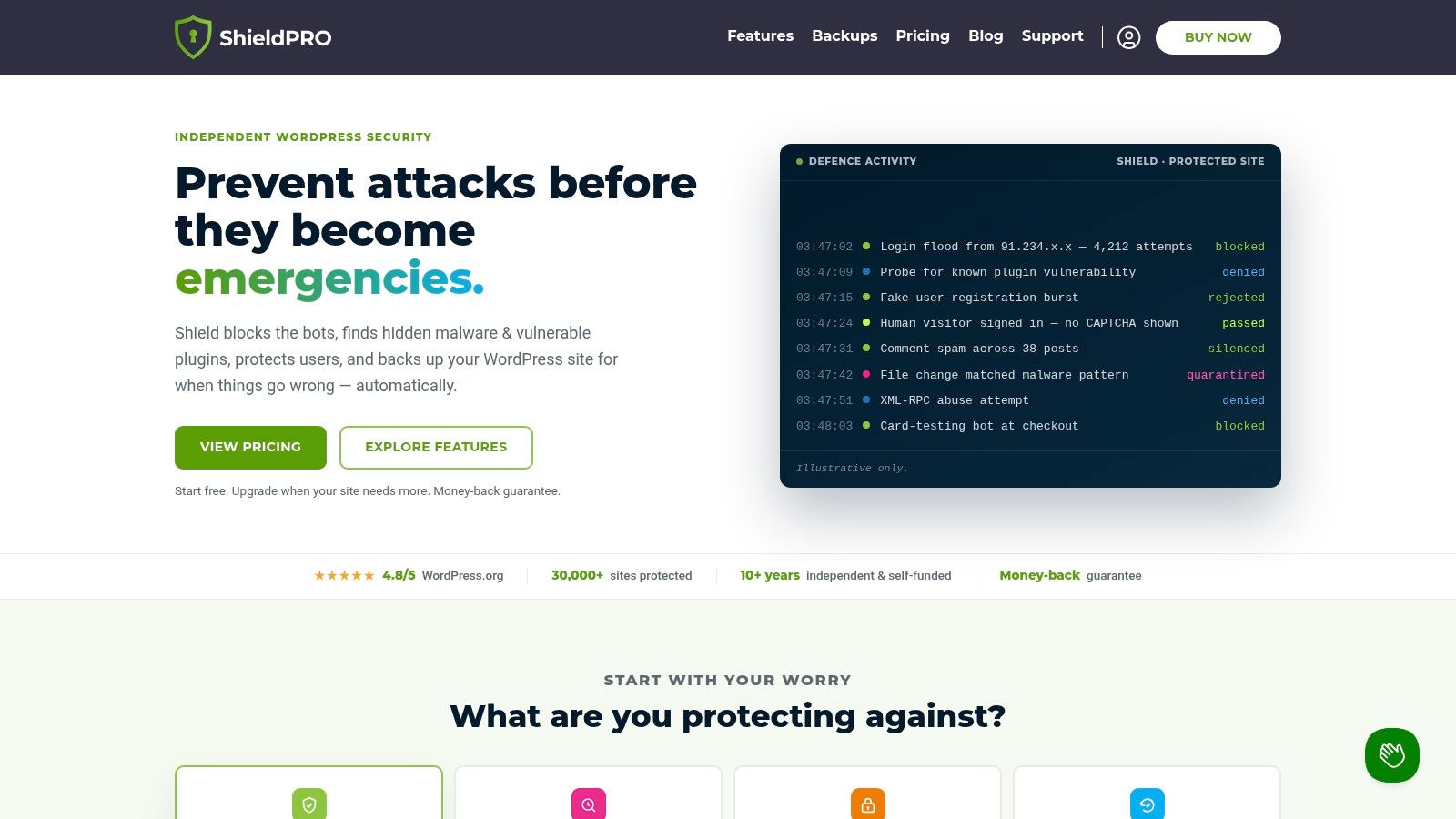
The limitation is scope, not necessarily capability. Shield doesn't act as an external cloud WAF and isn't a managed cleanup service. Auto-repair can help with known integrity problems, but it doesn't remove the need for backups, controlled changes, vulnerability review, and post-incident validation.
For agencies, Shield fits best as a configurable endpoint layer across a broad set of client sites. Its alerts should feed a triage process rather than dictate one. A bot alert on a low-risk brochure site may deserve less immediate work than an outdated plugin on a revenue-critical store, even if the former produces more notifications.
8. WP Cerber Security
WP Cerber Security stands apart by combining WordPress security with a substantial anti-spam and traffic-control role. Its firewall, rate limiting, geo rules, IP reputation feeds, activity logging, and live traffic view address abusive requests, while integrity checks and scheduled malware scans support investigation and ongoing monitoring.
That combination makes Cerber attractive for sites where comment spam is only one part of the problem. The anti-spam engine can cover forms beyond comments, potentially reducing the need to assemble several narrowly focused plugins. Agencies managing membership, lead-generation, or community sites may value that consolidation.
Cerber's integrity checking is particularly useful after a suspected incident. A team can compare files, inspect activity, and schedule scans to validate whether an issue has returned. Multisite support also helps operators deploy a common policy across related installations.
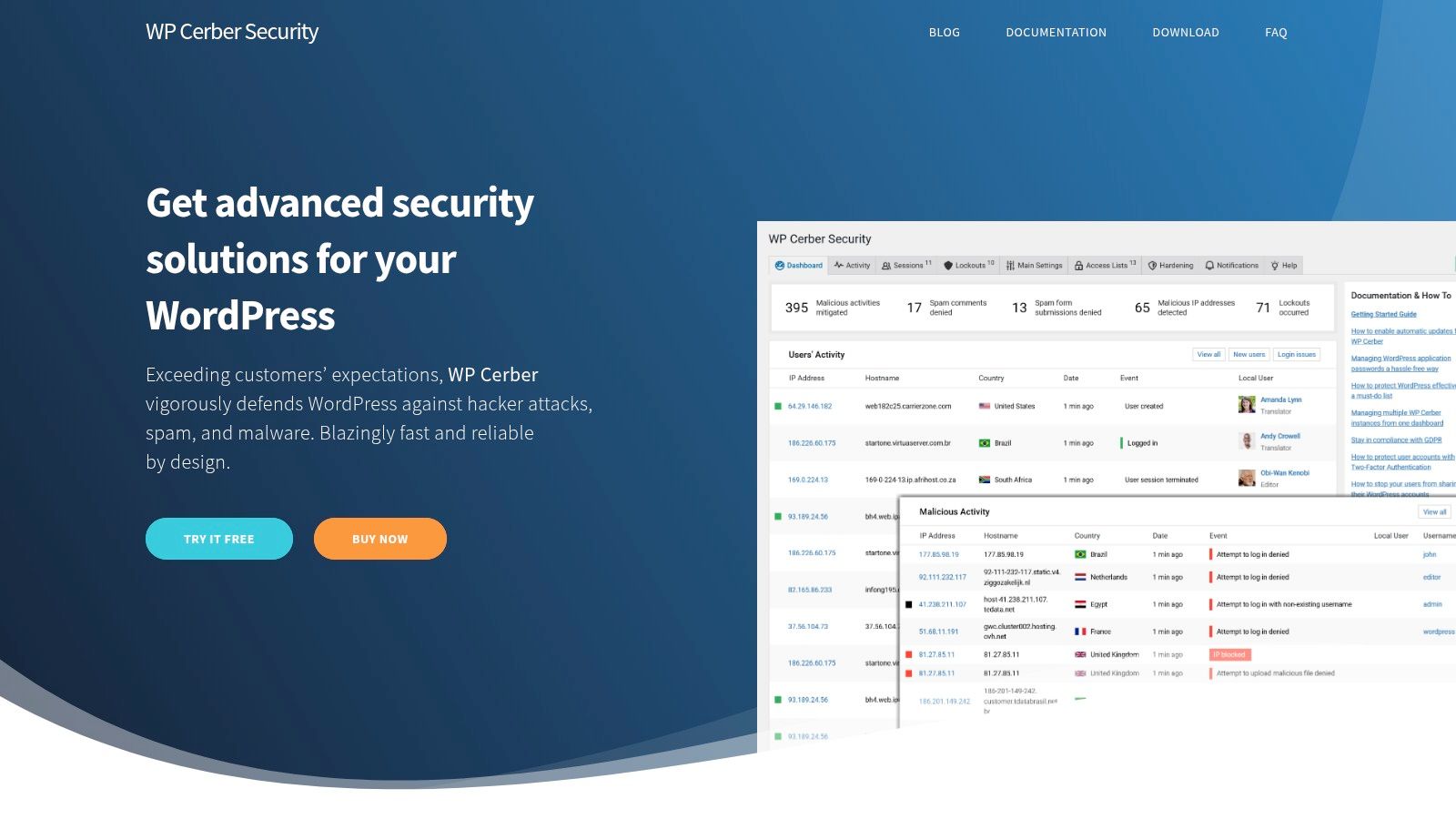
The main operational caution is logging volume. High-traffic sites may generate heavy records unless the team tunes retention and monitoring settings. Pro features are required for continuous support and broader automation, so agencies should confirm which sites need those capabilities before applying the same plan everywhere.
Cerber isn't a substitute for cloud edge protection or managed incident response. It's better understood as a detailed endpoint control and anti-abuse layer. Its live traffic data can explain activity on one site, but it won't automatically tell an agency which of its connected sites has the most consequential vulnerability.
9. Defender Security
Defender Security is well suited to teams already invested in the WPMU DEV ecosystem. The plugin provides hardening recommendations, malware scans, two-factor authentication, login protection, file-change detection, quarantine, and repair workflows. Pro features are delivered through WPMU DEV membership, which also connects security operations to the Hub for multi-site management and client reporting.
That bundle changes how the product should be assessed. Defender may be a practical choice when an agency already uses WPMU DEV for backups, performance, image optimization, or centralized administration. The value comes from reducing vendor sprawl and giving account managers a common reporting environment.
The interface and guided recommendations can make routine hardening easier to delegate. File-change detection and quarantine tools are also useful when a technician needs to investigate unexpected modifications without immediately editing production files.
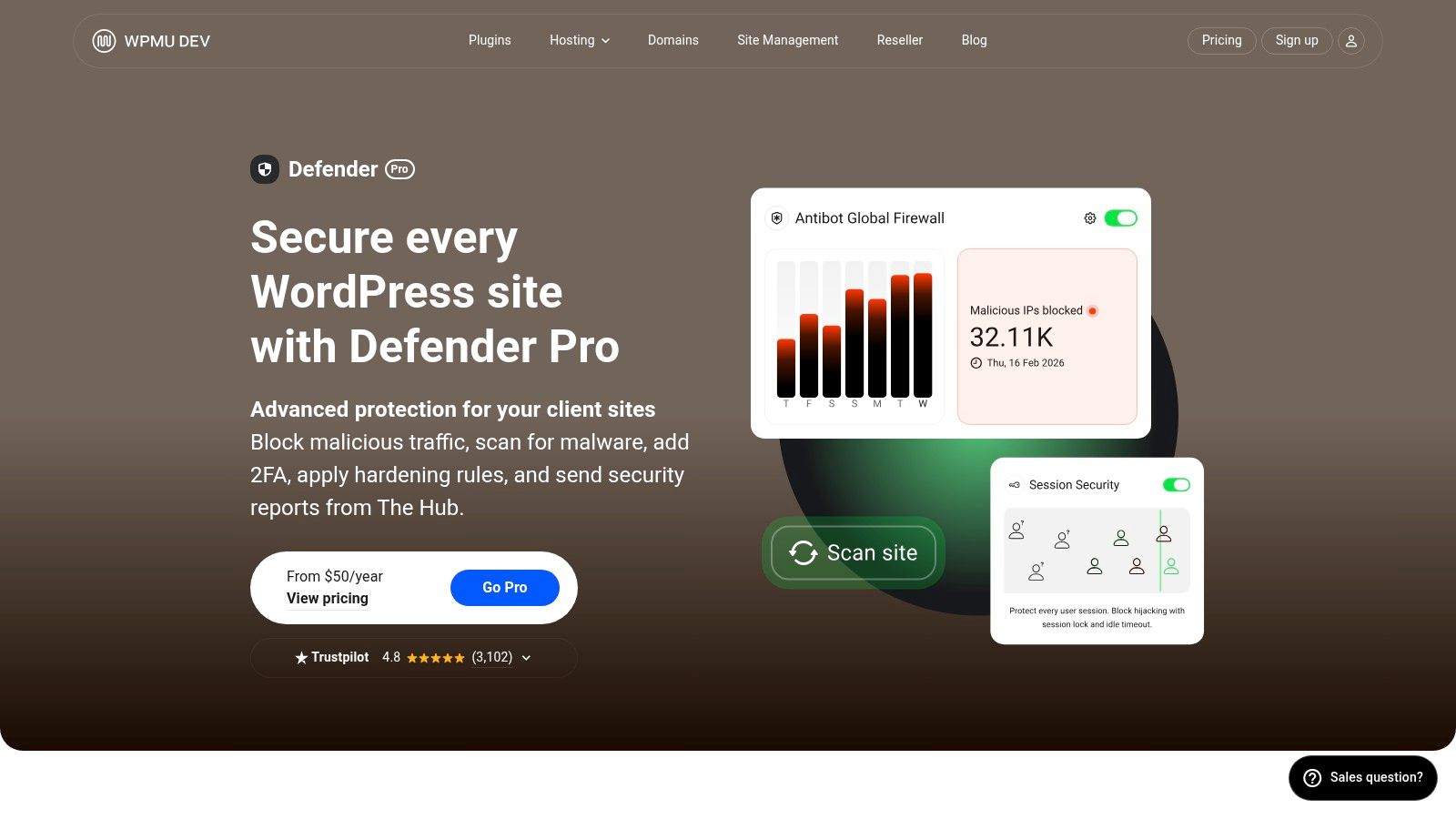
However, Defender's Pro model is tied to the broader membership rather than sold as a fully independent security product. That can be efficient for existing subscribers and less attractive for teams that want a single-purpose security purchase.
Defender also isn't a cloud WAF or managed incident-response service. It can strengthen and monitor the site, but the agency still needs to decide whether a finding is urgent, test remediation, and coordinate backups or cleanup. Teams reviewing access controls can pair their operational process with this guide to WordPress two-factor authentication, while WP Triage ranks site risk across the wider portfolio.
10. SecuPress
SecuPress is a good fit when an agency needs fast, guided hardening across multiple client sites. Its setup flow focuses on common misconfigurations, login protection, firewall controls, alerts, and one-click fixes. Pro adds scheduled scans and more advanced firewall rules, giving teams a clear upgrade path when a baseline deployment isn't enough.
The product's appeal is operational simplicity. A freelancer managing several small business sites can apply a consistent set of controls without asking every client to understand firewall terminology. Documented multisite support and portfolio-friendly licensing also make it easier to deploy at scale, provided the agency verifies which capabilities are included in its selected plan.
SecuPress's limitation is its smaller research and ecosystem footprint compared with larger providers such as Wordfence or Sucuri. That doesn't make it unsuitable, but it does mean the agency should avoid treating a simple deployment experience as a complete threat-intelligence strategy. Advanced mitigations and scheduled malware scanning require the Pro plan, so the free version may not match a portfolio's needs.
Use SecuPress for establishing repeatable controls, then supplement it with reliable backups, update ownership, vulnerability monitoring, and a ranked remediation queue. Its strength is quick execution. Portfolio prioritization remains a separate job.
Top 10 WordPress Security Plugins, Feature Comparison
| Product | Core focus ✨ | Portfolio fit 👥 | Detection & response ★ | Pricing/value 💰 | Top strength 🏆 |
|---|---|---|---|---|---|
| Wordfence Security | Endpoint WAF + malware scanner, real‑time threat intel ✨ | Centralized (Wordfence Central); scales but premium per‑site 👥 | ★★★★☆ Real‑time rules + managed IR tiers | 💰 Per‑site Premium; bulk discounts for portfolios | 🏆 Live threat research & firewall |
| Sucuri Security (plugin + WAF) | Cloud WAF/CDN, DDoS mitigation, remote scanning ✨ | Good for non‑technical clients; DNS activation; off‑site platform 👥 | ★★★★☆ Off‑site WAF + unlimited cleanups (paid) | 💰 Fixed‑fee cleanups; WAF/Platform may need stacking | 🏆 Cloud WAF + unlimited cleanups |
| Patchstack | Vulnerability intelligence + virtual patching for plugins/themes ✨ | Developer/agencies friendly; API & multisite options 👥 | ★★★☆☆ Early CVE alerts + virtual patches (not full scanner) | 💰 Free detection; paid protection per site & seats | 🏆 Focused CVE intel & virtual patches |
| MalCare Security | Firewall + automated scans and one‑click malware removal ✨ | Portfolio dashboard; fast remediation workflows 👥 | ★★★★☆ Automated scanning + one‑click cleanup | 💰 Paid plans for advanced remediation | 🏆 Quick automated cleanup |
| All‑In‑One Security (AIOS) | Hardening, firewall, security score & guidance ✨ | Beginner‑friendly; multisite compatible; affordable 👥 | ★★★☆☆ Basic scans; Premium adds features | 💰 Affordable multi‑site licensing | 🏆 Low overhead & easy deployment |
| Solid Security (formerly iThemes) | Hardening, 2FA, lockouts, site scanner ✨ | Mature agency tooling; bundling with Solid Suite 👥 | ★★★☆☆ Site scanning & hardening (no cloud WAF) | 💰 Bundled licensing; purchase flows vary | 🏆 Robust hardening + dev/staging license handling |
| Shield Security | Bot blocking, firewall, malware/file scanning ✨ | Scales for agencies; volume licensing available 👥 | ★★★★☆ Strong bot mitigation + scanning | 💰 Agency‑friendly pricing by site count | 🏆 Bot mitigation & login hardening |
| WP Cerber Security | Firewall + anti‑spam engine, IP reputation, integrity checks ✨ | Good when spam + security are needed together 👥 | ★★★☆☆ Scheduled scans & integrity checks | 💰 Pro for 24/7 support and extended automation | 🏆 Integrated anti‑spam + security controls |
| Defender Security (WPMU DEV) | Hardening, malware scans, 2FA; Hub integration ✨ | Best fit if using WPMU DEV stack and Hub 👥 | ★★★☆☆ Decent scans; file quarantine/repair flows | 💰 Pro via WPMU DEV membership (bundle) | 🏆 Centralized reporting within WPMU DEV |
| SecuPress | Guided hardening, firewall, one‑click fixes ✨ | Fast to deploy across many client sites; multisite support 👥 | ★★★☆☆ Scheduled scans in Pro; smaller research footprint | 💰 Straightforward portfolio licensing | 🏆 Quick deployment & simple hardening |
Match the Tool to the Triage Decision
Choosing among the best WordPress security plugins starts with the incident or exposure you need to control, not with the longest feature list. Wordfence and MalCare are logical choices when endpoint scanning, application-level firewall controls, and malware response sit at the center of the workflow. Wordfence is stronger for teams that want detailed WordPress-native investigation and a broad tier structure. MalCare is more suitable when cloud-based scanning and fast cleanup reduce pressure on internal developers.
Choose Sucuri when protection should sit away from the origin and managed cleanup is part of the operating model. Its cloud WAF and DNS-level deployment address a different layer from an endpoint plugin. That separation can matter for high-value sites where the team wants to filter traffic before it reaches WordPress.
Choose Patchstack when the main concern is third-party vulnerability intelligence, especially plugin and theme exposure. The historical evidence points directly to that priority. WordPress recorded 11,334 new vulnerabilities in 2025, with 91% in plugins, while only 6 vulnerabilities were found in core, as reported in the 2025 WordPress vulnerability coverage from Liquid Web. Patchstack's mitigation model can help teams manage the interval between disclosure and a tested update, but it doesn't replace backups, malware cleanup, or a complete firewall.
Hardening-focused products such as AIOS, Solid Security, Shield Security, Defender, and SecuPress make sense when baseline controls, account protection, deployment speed, or portfolio licensing drive the decision. WP Cerber deserves attention where anti-spam, traffic inspection, and integrity checks need to share one control layer. None of these choices removes the need for maintenance governance.
The uncomfortable operational fact is that a plugin can be fixed while many sites remain exposed. A July 2025 analysis of Post SMTP reported that only 51.2% of users had upgraded to the fixed version, while 23.4% remained on the outdated 2.x branch, leaving more than 200,000 sites exposed, according to Kaspersky's coverage of vulnerable WordPress plugins and themes. That is why “best” should include patch adoption and exposure verification, not just product capability.
Start by documenting each site's current firewall, scanner, backup, WAF, and update owner. Validate compatibility, plan limits, staging treatment, and licensing before standardizing a tool. Then connect the portfolio to WP Triage to compare site risk, surface vulnerable or outdated core, plugins, themes, and PHP versions, and order the top three fixes before assigning work in the selected security platform.
That workflow separates two decisions that agencies often confuse. The security plugin performs the control or remediation. WP Triage helps decide which site, which vulnerability, and which fix should come first. For teams refining their wider organic-growth and maintenance process, expert SEO services from Sibley Digital can sit alongside that operational discipline without turning security software into a substitute for site management.
WP Triage monitors WordPress versions, plugins, themes, PHP, and known vulnerabilities across connected sites, then converts those signals into a 0–100 risk score and ranked fix sequence. Visit WP Triage to bring portfolio-level prioritization to the security plugin workflow you already use.